 AllTech
01
Hard drives & SSDs
Clicking, dropped, not mounting, deleted, or suddenly unreadable
We diagnose mechanical, electronic, firmware, and file-system failures across internal, external, solid-state, and hybrid drives.
Family photos. A business server. The only copy of a case file. We recover data from damaged drives, SSDs, RAID arrays, phones, and flash media here in Northern Utah.
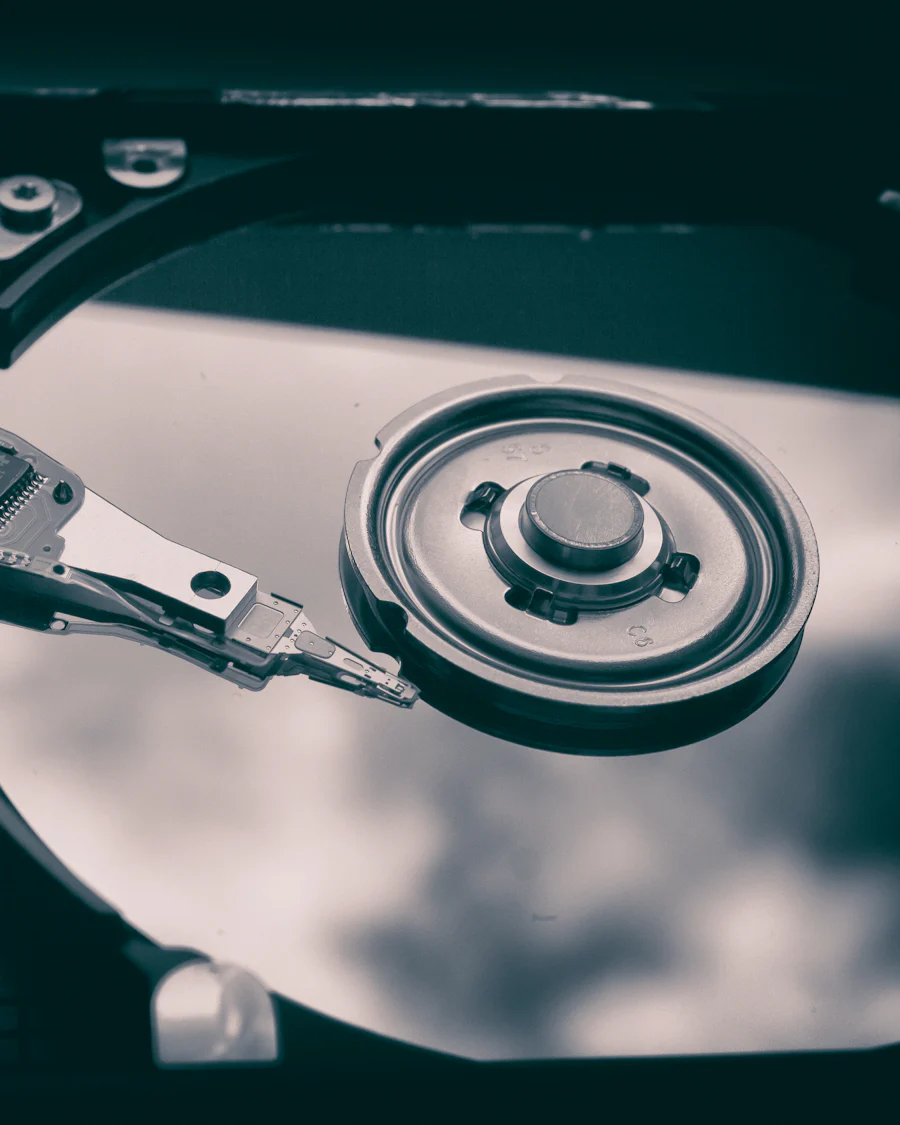
Two identical drives can fail in completely different ways. The right recovery plan starts with symptoms, media condition, and how the data was stored.
Clicking, dropped, not mounting, deleted, or suddenly unreadable
We diagnose mechanical, electronic, firmware, and file-system failures across internal, external, solid-state, and hybrid drives.
Degraded array, multiple failed members, rebuild failure, or no boot
Every member is inspected before reconstruction. We work with standard RAID levels, hardware controllers, software arrays, and common NAS enclosures.
Physical damage, corruption, software failure, or accidental deletion
Recovery for iOS and Android devices, USB flash drives, and memory cards—handled with the same focus on preserving the original media.
Recovery is not a button we press. It is a sequence designed to protect the original media, preserve the best copy available, and avoid turning a recoverable failure into a permanent one.
Physical drive work is performed in a Class 100 cleanroom environment.
Tell us what happened, what the device is doing, and what data matters most. We will tell you how to transport it without making the damage worse.
We inspect the original media and identify the failure mode before recovery work begins. RAID members are documented and checked individually.
Work is performed from an image or clone whenever the condition of the media allows it. Physical repairs take place in a controlled cleanroom environment.
Recovered files are checked for integrity and organized for review. We explain what was recoverable and where uncertainty remains.
Your recovered data is returned on separate media. The original device is not treated as a safe place to keep the only copy.
When an array goes offline, the layout matters as much as the disks. We inspect each member, document its condition, and reconstruct rotation, striping, and checksum patterns with specialized tools.
“Degraded” does not mean “safe to rebuild.” Preserve the members first.
Common work includes RAID 0, 1, 5, 6, 10 and 50. Final feasibility depends on the condition of every member and the array’s write history.
Devices, images, applications, and accounts each hold part of the record. We work with attorneys on discovery, preservation, analysis, testimony, and cross-examination for civil and criminal matters.
AllTech recovers hard drives, SSDs, RAID arrays, NAS systems, phones, and flash media from its Hyde Park, UT office, weekdays from 8 to 5. Physical repairs are done in a Class 100 cleanroom. Call (435) 557-3232 before turning the device on again. A non-refundable deposit starts the job, and unrecovered data is not billed beyond that deposit.
Power it down and stop retrying it. Do not rebuild a RAID, because the wrong member order can make the failure worse. Do not open the drive; exposed platters pick up contamination that ordinary room air cannot keep out. Call the Hyde Park lab and ask how to transport the device before you move it.
No. Backup is a copy you already made, and disaster recovery is the tested plan for restoring it. Data recovery is the attempt to read media that has already failed, often because that device held the only copy. If a current backup exists, restore from the backup. If it does not, recovery is what is left.
A non-refundable deposit starts recovery work. If the data cannot be recovered, there is no charge beyond that deposit. Call before powering the device on again.
Trusted by dozens of businesses